Picture it: 25 kids, one 3D printer, and a chorus of “Is mine done yet?”
That was my classroom. My students LOVED designing in Tinkercad, but I was drowning. Who finished which lesson? Whose file was whose on the USB stick? Who was ready for something new while I was helping someone else find the Duplicate button?
The printer was never the hard part. Keeping 25 kids moving forward was. So I built the thing I wished I had, and today I get to share it with you.
What is 3D Print Quest?

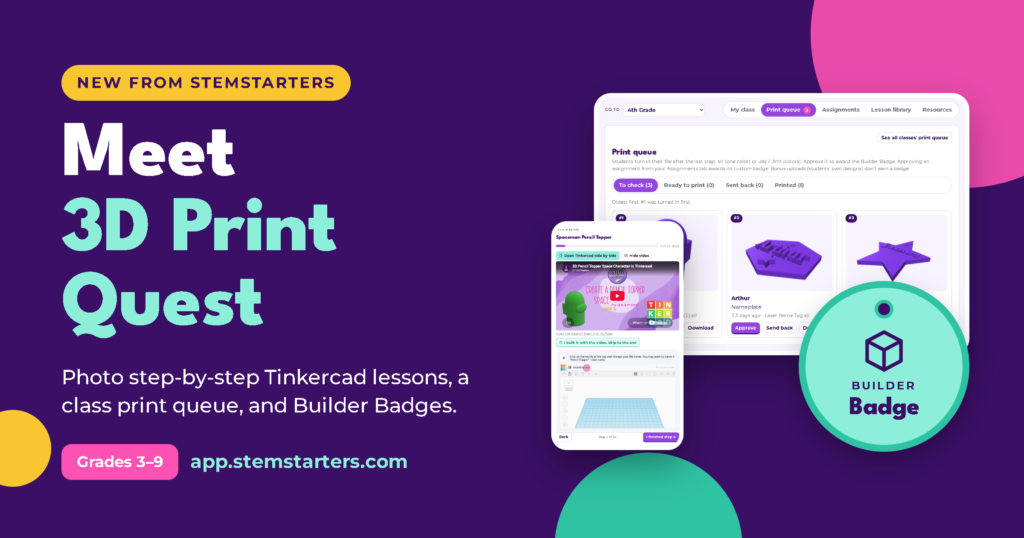
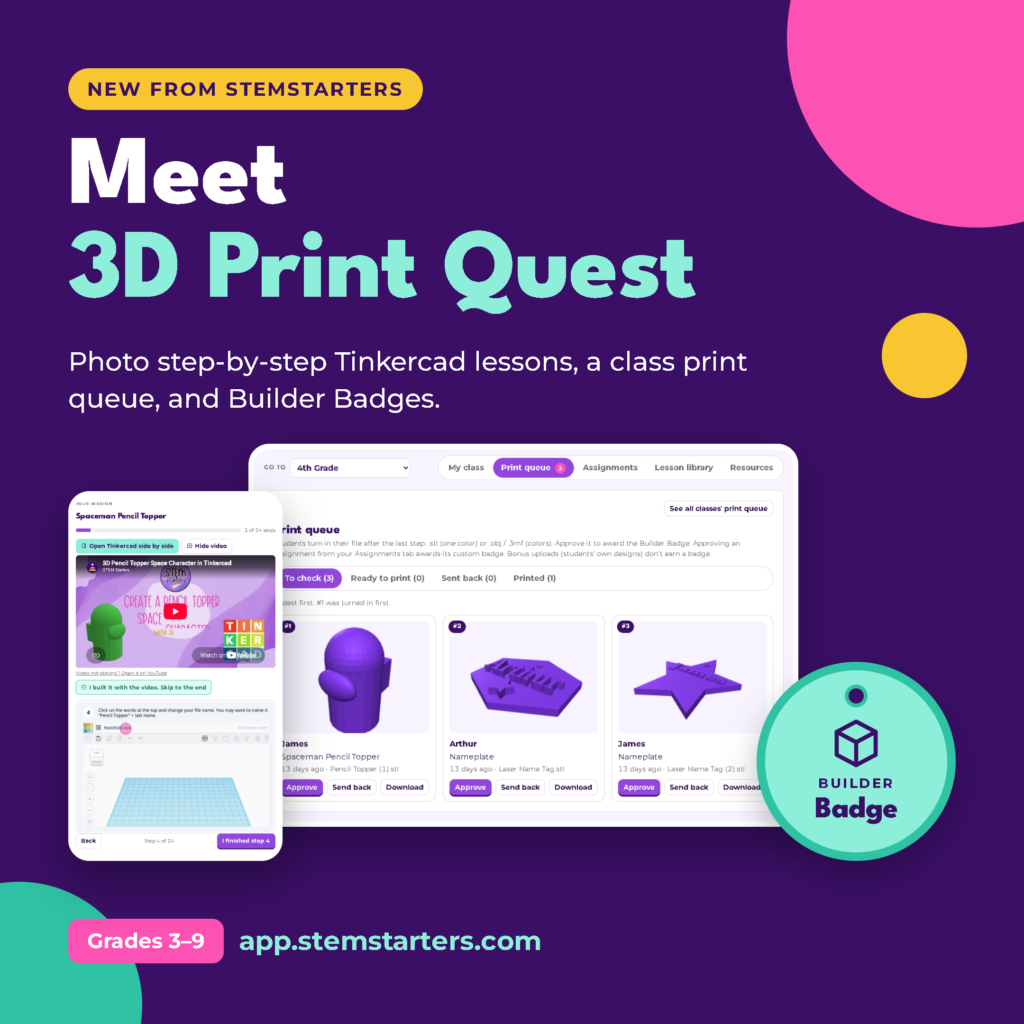
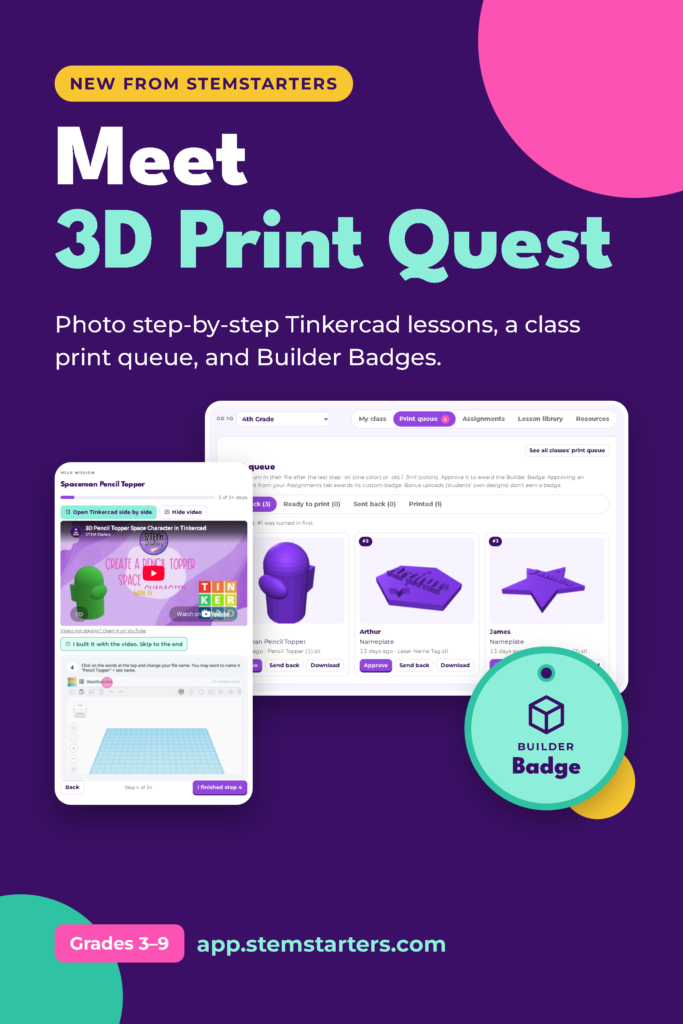
3D Print Quest is a 3D printing classroom management app. It puts everything in one place:
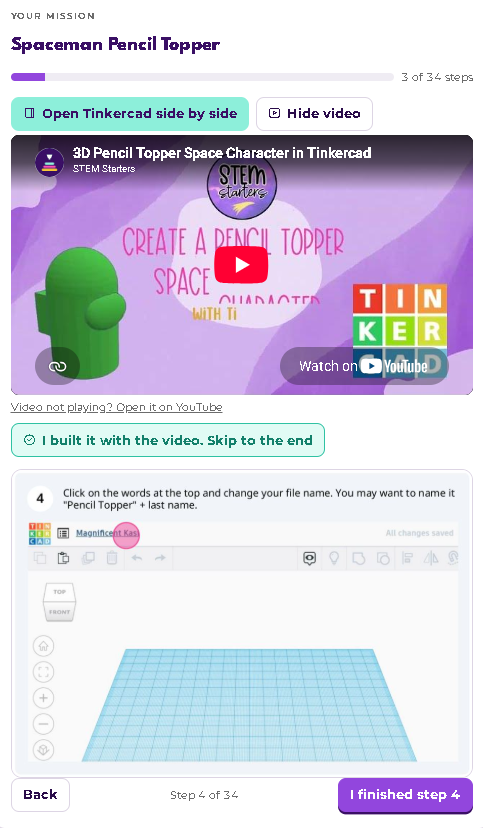
- 36 step-by-step Tinkercad lessons with photos for every single step, so kids can build on their own (with more to come)
- One print queue, so you always know whose design is whose and what’s ready to print
- Builder Badges kids earn for every finished build
It’s the curriculum and the organization, together. You don’t have to piece it all together yourself.
How it works
For you, the teacher:
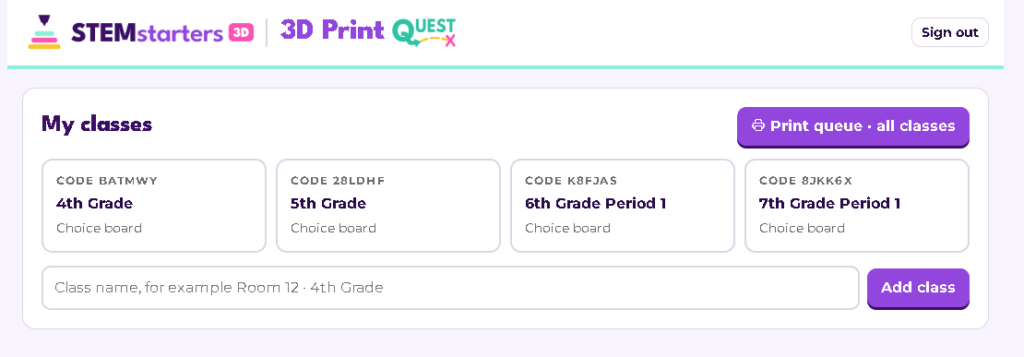
- Create a class and type in your students’ first names. That’s it: no student emails or passwords.
- Print the class code poster and hang it up.
- Assign a lesson for the week from the lesson library.
- Open your print queue and see every turn-in in one list. Spin each design in 3D, then approve it, print it, or send it back with a note.
For your students:
- Go to app.stemstarters.com, enter the class code, and tap their name.
- Follow the lesson step by step, with Tinkercad open right beside it.
- Prefer video? They can build along with the video instead.
- Turn in their design (.stl, .obj, or .3mf) and keep going.
One of our first testers, an 8-year-old, said, “My favorite part? I don’t have to wait to start the next lesson.”

Badges they actually want to earn
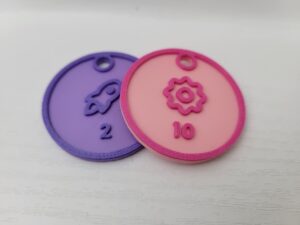
Every lesson earns a Builder Badge on the student’s Quest Path. Kids can see exactly what they’ve finished and what’s next, and they LOVE watching their path fill up.
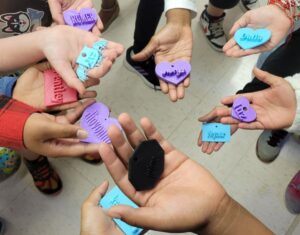
Want to make it real? There’s a printable 3D badge chip for every lesson. Each one is 40 mm with a keyring hole, so students can collect them on a ring or lanyard.
Made with real classrooms in mind
- Privacy first: students use only a first name and a class code. No student emails, no student accounts.
- Works in a web browser: Chromebooks, laptops, and tablets, with nothing to install.
- Homeschool friendly: there’s a Home plan for families with up to 6 kids.
Become a Founding Builder
The full app opens January 1, and right now you can lock in founding pricing.
- Founding Builder (teachers): $99 a year (regular $199), and your price stays $99 every year you stay subscribed
- Home Founding Builder: $79 a year for up to 6 kids
- Bonus: Module 1 lessons (9 lessons) the day you join
Founding pricing ends December 31.
Want your school to pay? I made a ready-to-send letter for your principal. Just fill in your name and school, and it writes the request for you. School licenses are available too.


Questions teachers ask me
- Does it work with my 3D printer? Yes. Students turn in standard 3D files (.stl, .obj, or .3mf), which work with just about any printer and slicer, from Bambu to Prusa to Creality.
- Is Tinkercad free? Yes! Tinkercad is free, and it runs right in the browser.
- Can I use it with more than one class? Yes. Make a class for each section or group. There’s no limit on teacher plans.
- When can I start? Founding Builders get the Module 1 lessons right away, and the full app opens January 1.
- What if it’s not a fit? Founding Builders can get a full refund before January 1 and through January 31.
Ready to start your quest?
If you’ve ever stood next to a printer wondering whose keychain is whose, I built this for you. I’d love to have you as one of the very first Founding Builders.
Not ready yet? Join the waitlist on the same page and I’ll send you my free Holiday Quest lessons.