
Description
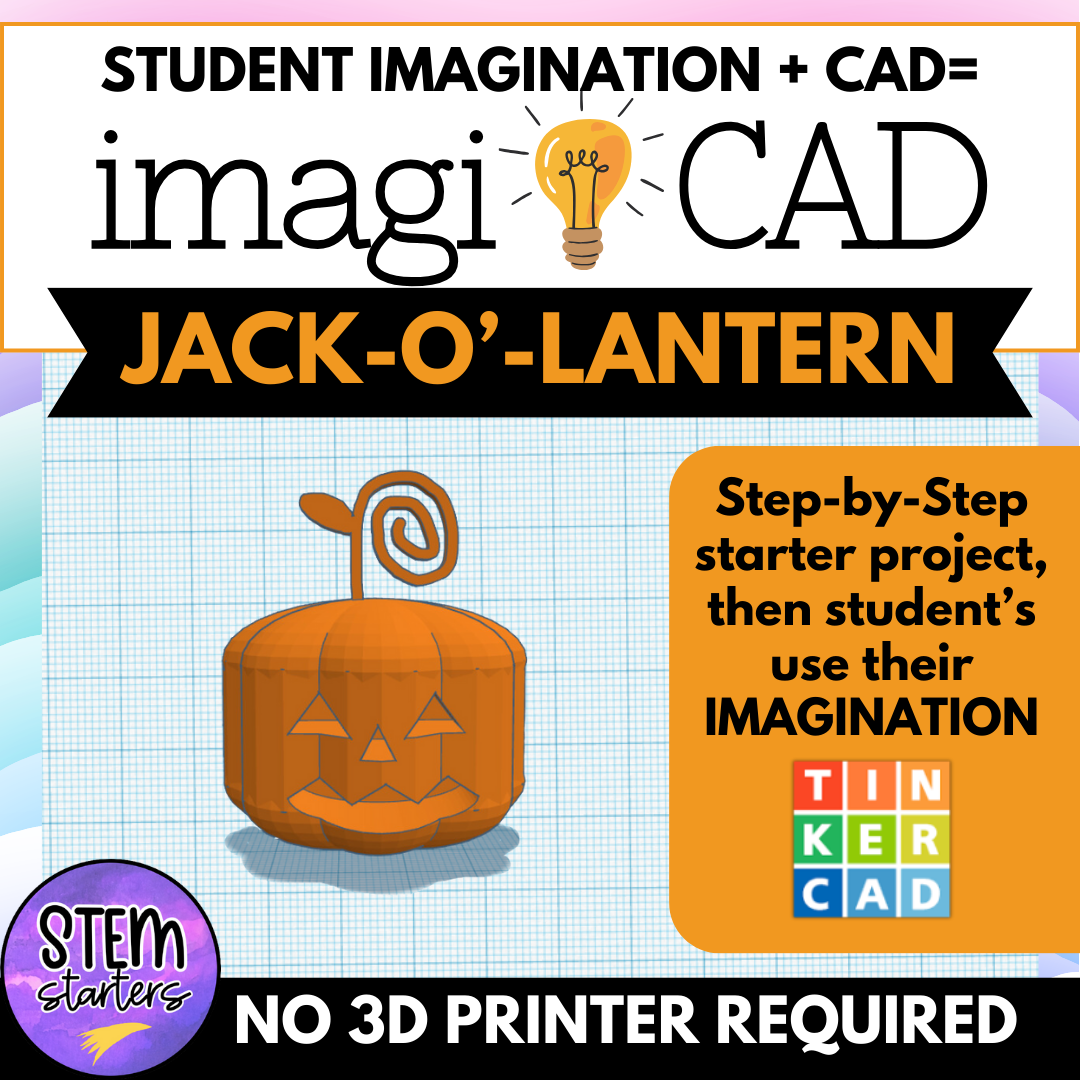
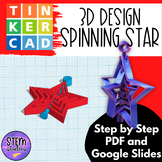
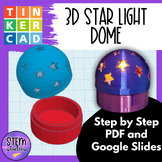
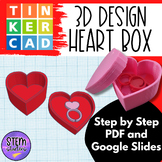
Bring 3D design and imagination together in your classroom with IMAGI-CAD!
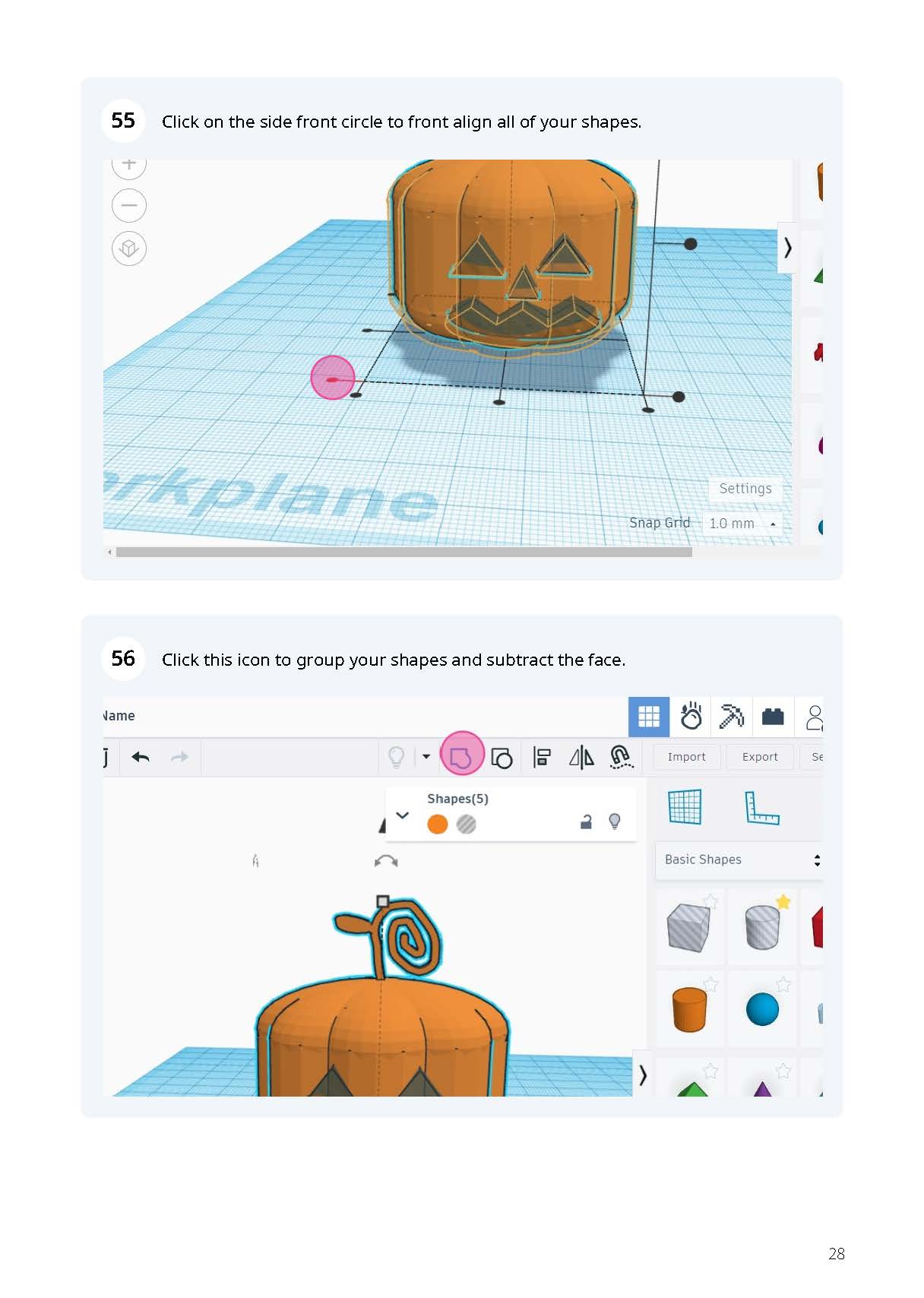
IMAGI-CAD is a fun and engaging way to teach 3D design using Tinkercad. In this lesson, students follow along a guided lesson with included videos or pictures to create a basic pumpkin design. Then the real magic begins when they get to take over! From decorating their pumpkins with unique faces and textures students will use their imagination to bring their creations to life. IMAGI-CAD encourages out-of-the-box thinking, enhances problem-solving skills, and makes 3D printing more fun than ever! Perfect for upper elementary and middle school classrooms.
Check out this blog post to learn more about IMAGI-CAD!
What’s Included:
- Step-by-step guided Tinkercad project tutorials for creating the foundational designs
- Creative extension prompts that encourage students to explore and expand on their designs
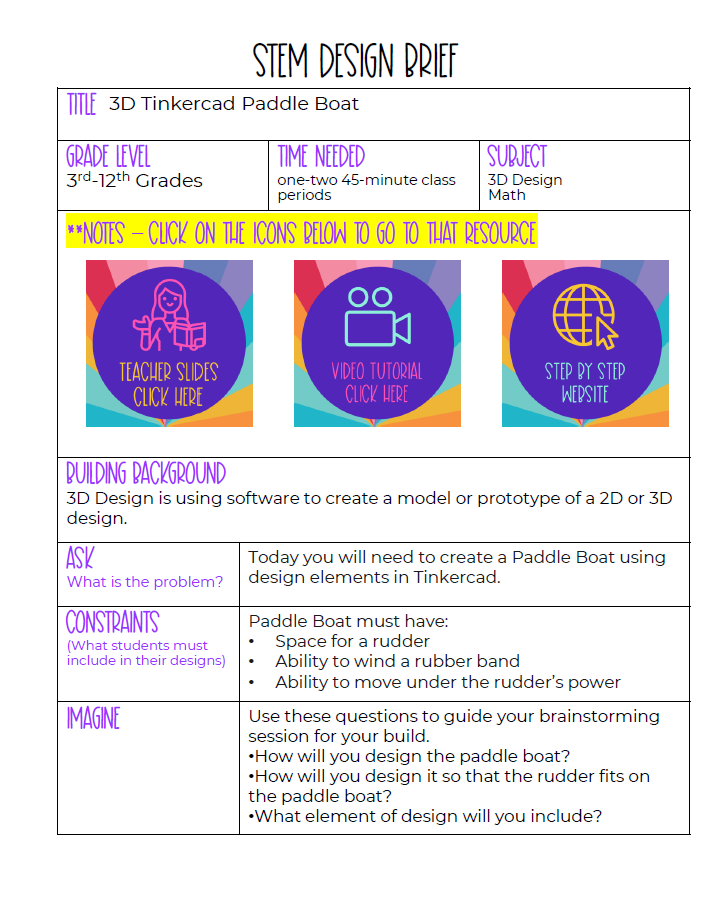
- Teacher guide with tips for introducing each project and guiding student creativity
- Editable slides for easy classroom presentations or virtual lessons
- Tutorial video to support students through the design process
- Step-by-step website to support student design in pictures
This lesson is ideal for STEM, Makerspace, or creative classroom time. Also
no 3D printer required so projects focus on the design process, making it accessible to all classrooms.
Why You’ll Love IMAGI-CAD:
❤️ Flexible and adaptable: Use IMAGI-CAD as a one-time project, an ongoing design challenge, or part of a broader 3D design unit.
❤️ No prior experience necessary: These lessons are easy to follow, even for beginners. Students can complete projects using free, web-based Tinkercad, with no 3D printer needed.
❤️NO Prep needed: These are comprehensive lessons that allow you to enjoy the fun of Tinkercad without the set up!


Reviews
There are no reviews yet.